Task guide / PC 1.0 · community routes
Predator: cross the corridor while watching the enemies
Predator is in the stare-down Fragment Zone. Use the first computer, keep the enemies in view as you move to the far computer, then operate it and run through the exit. Once the doors close behind you, take the schematic from the safe room's pedestal.
Updated 2026-11-10 · PC 1.0 · community routes
Follow these steps
Use the first computer to start
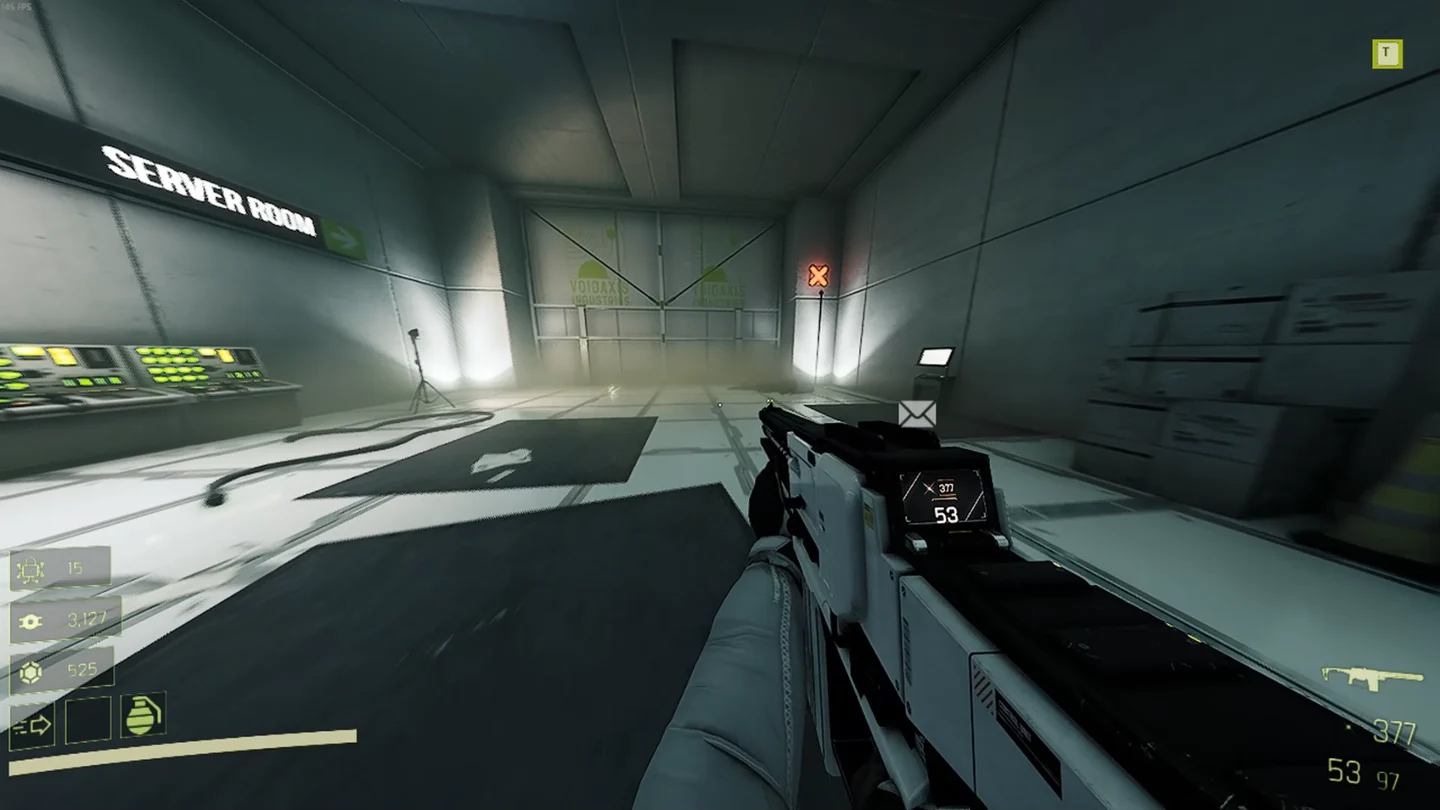
Identify the long corridor Fragment Zone and interact with the computer at its beginning. This starts the encounter; the schematic is not waiting beside this first terminal.
 Open full-size image ↗
Focused view of the closed door and the computer on its right. Use that right-hand terminal to begin the encounter. Keep the enemies in view while crossing
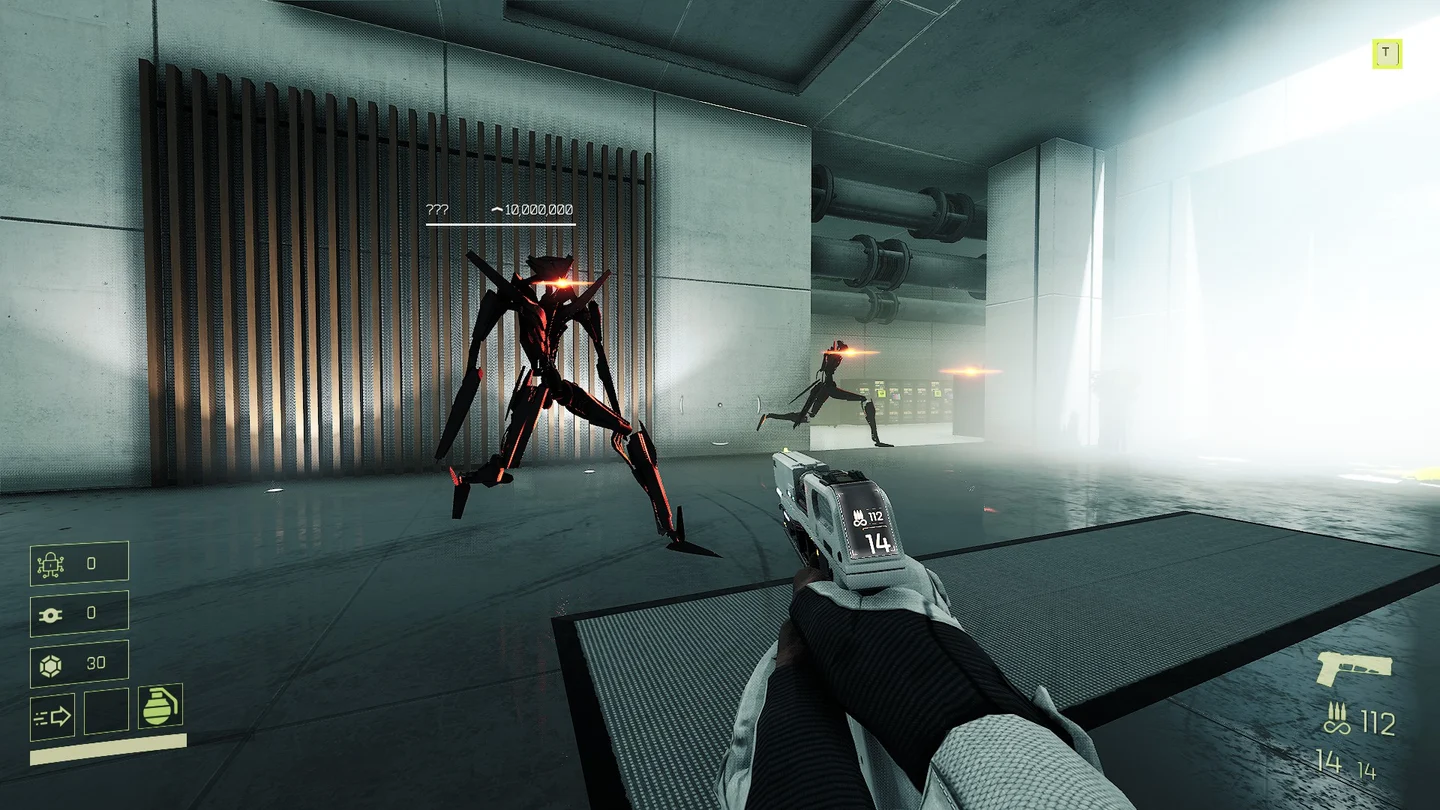
Move toward the computer at the far end while looking at the enemies. The community route records that they do not attack while watched. This is the corridor's special condition, rather than a requirement to defeat them all.
 Open full-size image ↗
Keep the enemies in view while crossing. Operate the far computer and pass through the exit
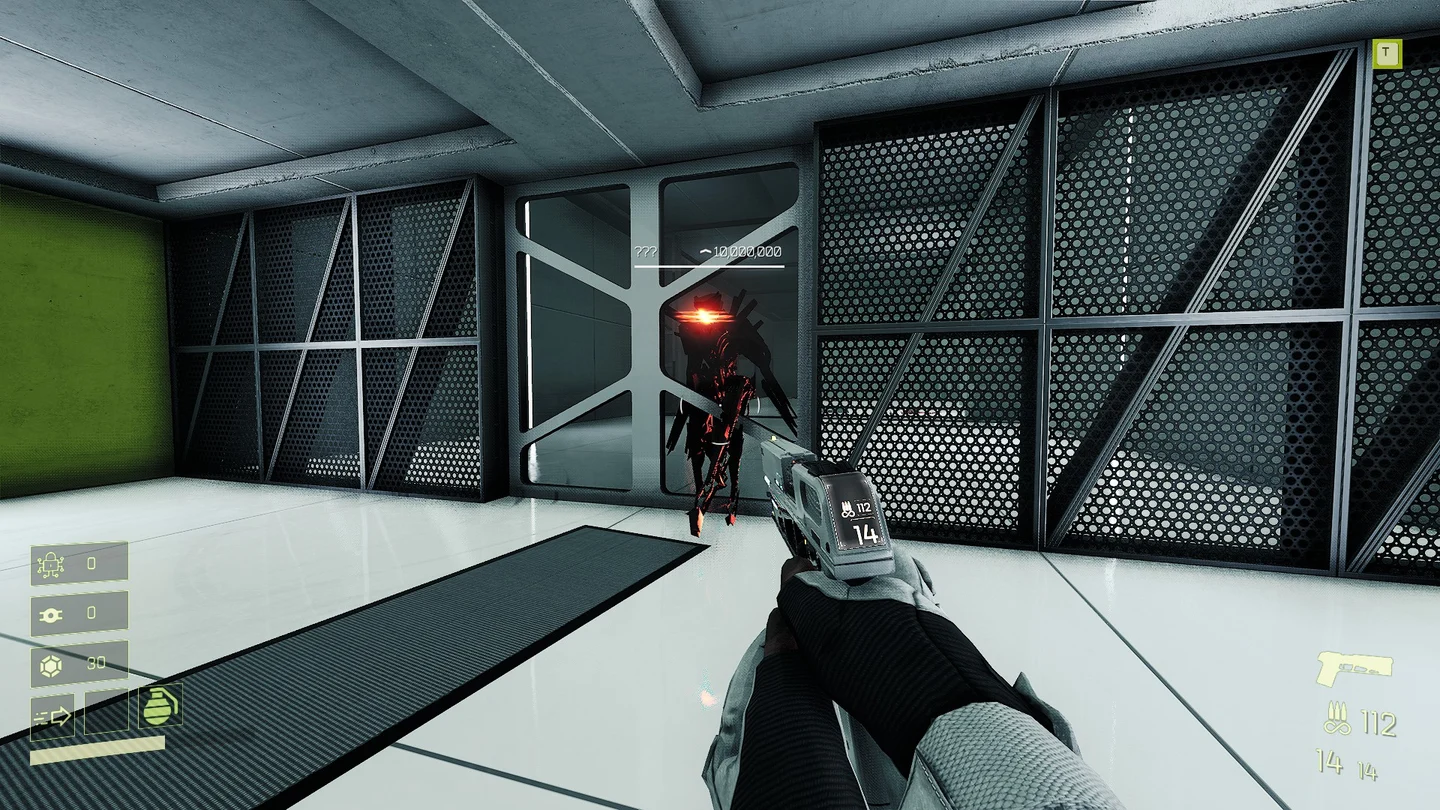
Use the far computer to open the way out, then run through the door. This image shows an enemy at the exit doorway; it is a reference for the exit, not a picture of the far computer or the safe pedestal.
 Open full-size image ↗
The exit door is your escape after operating the far computer. Wait for the doors to close, then collect
Once the doors close behind you, collect the schematic from the pedestal in the safe room. Crossing the corridor alone does not collect Predator.
Completion signal
Reach the safe room after the doors close and take Predator from its pedestal. That pickup, not operating either computer, completes the schematic route.
What the module does
Stops ammunition consumption while standing still.
If it does not work
If the far exit is still closed, check that you operated the far computer. If enemies attack while crossing, recheck whether they remained in view. Do not treat the exit-door screenshot as a cue to stop beside the enemy; continue through the opened doorway.
Related guides & sources
Sources and version notes
Directions use community reports and accompanying images, including early-access screenshots whose numerical values can differ from your current version. Map positions can vary; these are not firsthand 1.0 route tests.